UNDER CONSTRUCTION - K2Aley.com is being updated. Service requests are open.
K2Aley service and robotics reference

Customer Intake

Request Service

Send K2Aley the printer model, photos, symptoms, measurements, and deadline. The form builds a ready-to-send email with service, priority, photos, and quote details.

Start Here

Tell K2Aley what you need fixed, printed, upgraded, or quoted.

Only send details needed for the quote. Do not send passwords, payment card numbers, private keys, or unrelated personal documents. See the K2Aley privacy note, service FAQ, and service policy.

Before You Request

Send these details for a faster quote.

  • Printer model and current firmware if you know it.
  • Clear photos of the printer, part, failed print, or broken area.
  • Short video if something clicks, moves wrong, rubs, or jams.
  • Measurements for repair parts, signs, holders, or organizers.
  • Material, color, strength, or outdoor-use preference.
  • Deadline, budget range, and pickup or shipping preference.
  • Location area and schedule window if requesting Mechanical Accessory Repair Services (MARS).
  • For Creality K2 series printers, contact Creality Support first if the problem may involve warranty, factory parts, firmware, electronics, shipping damage, or a new-printer defect.
  • What you already tried, including slicer or hardware changes.
Open K2 Support First Checklist

Free First-Look Review

MARS repair, tune-up, or quote help.

Send photos and details first. K2Aley will point you toward the right quote path before paid repair, printing, field service, or design work starts.

Selected Service

Free First-Look Review

Send photos and details first so K2Aley can point you toward the right quote path.

Free review Photos, model, symptoms, and goal K2Aley replies with the best quote path
Email This Service

Quote Acknowledgement

Paid work starts after approval.

This request opens a quote conversation. K2Aley confirms the scope, starting price, timing, parts, travel, pickup, shipping, or digital delivery path before repair, print, design, or field service work starts.

View Services

After You Send

What happens next?

  1. Attach photos, videos, measurements, or files in your email app.
  2. Use the photo and video guide if you need help choosing what to attach.
  3. K2Aley reviews the service type, priority, symptoms, and quote details.
  4. Review response times if the job is waiting on photos, approval, parts, payment, or scheduling.
  5. You receive the next step, price path, timing, and any parts or travel notes.
  6. Repair, printing, MARS, or upgrade work starts after approval.

Virginia Seven Cities Service Area

Choose local service, shipped parts, or digital delivery.

Local Service

Seven Cities / Hampton Roads

K2Aley serves Chesapeake, Norfolk, Portsmouth, Suffolk, Virginia Beach, Hampton, and Newport News for local 3D printer tune-ups, diagnostics, repair intake, and MARS requests.

View Service Area
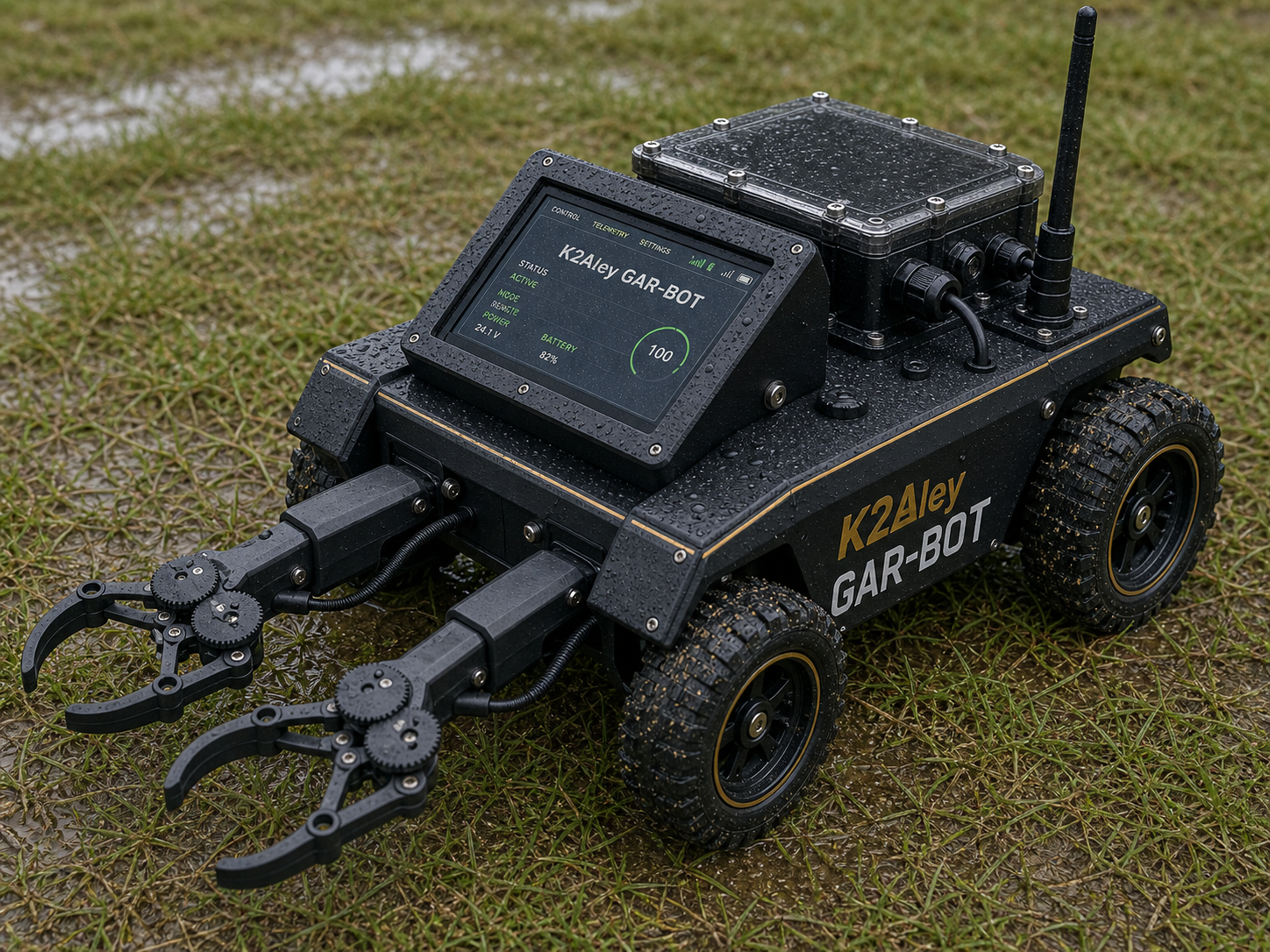
MARS

Pickup / Drop-Off / Field Visit

Mechanical Accessory Repair Services are scheduled after photos, symptoms, location area, travel, schedule window, and quote details are reviewed.

Shipped

Printed Parts

Accessories, replacement parts, signs, and organizers can be shipped when the measurements are confirmed.

Digital

Downloads

Tune-up packs and printable files can be delivered digitally when no physical part is needed.

Photos Help

Faster Quotes

Clear pictures, model names, sizes, and deadline notes make the quote faster and more accurate.